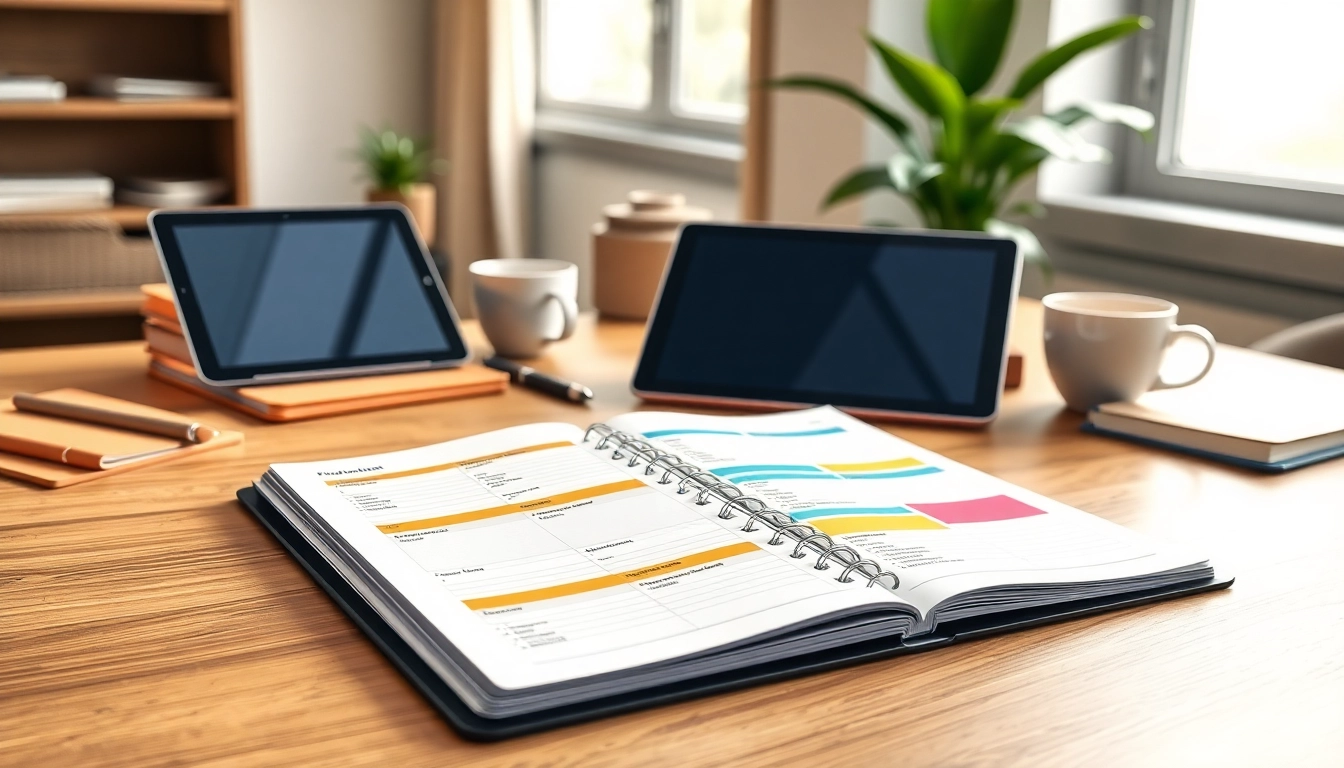
Understanding Digital Planners
What Are Digital Planners?
Digital planners are electronic versions of traditional paper planners, designed to help users organize their schedules, track goals, and jot down notes using digital devices like tablets and smartphones. They often come in formats compatible with digital note-taking apps, allowing for easy customization and accessibility. Digital planners are gaining popularity for their versatility and user-friendly interfaces, making them an attractive choice for both personal and professional organization.
Benefits of Using Digital Planners
Digital planners offer a multitude of benefits that enhance productivity and organization:
- Accessibility: Users can access their planners from multiple devices, ensuring important information is always within reach, whether at home, in the office, or on the go.
- Environmentally Friendly: By minimizing paper use, digital planners contribute to a reduction in waste and environmental impact.
- Customizability: Users can often personalize their planners with colors, stickers, and layouts that best suit their preferences, enhancing motivation and engagement.
- Integration with Tools: Many digital planners can sync with other productivity tools, providing a seamless workflow experience.
Different Types of Digital Planners
There is a wide range of digital planners available to meet various organizational needs:
- Daily Planners: These planners focus on day-to-day organization, including task lists, appointments, and time slots for tasks.
- Weekly/Monthly Planners: Ideal for those needing a broader view of their schedules, offering weekly or monthly overviews for planning important life events and deadlines.
- Specialized Planners: These focus on individual needs, such as wellness (tracking fitness goals), meal planning, or productivity enhancement.
- Professional Planners: Designed for business use, these planners often include features for project management, team collaboration, and business goals.
Choosing the Right Digital Planner
Factors to Consider When Selecting Digital Planners
When choosing a digital planner, consider the following factors to ensure it meets your specific needs:
- User Interface: Look for a platform that is intuitive and user-friendly, allowing for quick navigation and minimal learning curve.
- Compatibility: Ensure the planner integrates seamlessly with your preferred note-taking apps or devices.
- Features: Prioritize planners that offer essential features like reminders, goal tracking, and customizable layouts to enhance their usability.
- Price: Consider whether you prefer a free product or are willing to invest in a premium planner with more features.
Popular Features in Digital Planners
Here are some popular features that enhance the usability of digital planners:
- Templates: Pre-designed templates can help users get started quickly, catering to different planning styles.
- Widgets: Interactive widgets for tasks, calendars, and notes make the planning process dynamic and engaging.
- Accessibility Options: Features such as dark mode and voice input catering to a wide range of preferences and needs.
- Syncing: The ability to sync across devices ensures all your devices reflect the most recent updates.
Price Ranges and What to Expect
The pricing for digital planners can vary widely:
- Free Options: Many app stores offer free digital planners with basic functionalities, suitable for users new to digital planning.
- Mid-Range Planners: Typically priced between $10 and $30, these planners offer a wider array of features, including customization and integrations.
- Premium Planners: Ranging from $30 up to $100, these planners often include advanced functionalities, superior customer support, and ongoing updates.
Setting Up Your Digital Planner
How to Download and Install Digital Planners
Setting up your digital planner is generally straightforward. Depending on the platform, downloading and installing can involve:
- Choose your planner from a reliable source that corresponds to your preferred device (iPad, Android, etc.).
- Follow any provided prompts to download the file, typically in PDF format.
- Open the downloaded planner in your chosen note-taking app.
- Save or export within the app for easy access and editing.
Customizing Your Digital Planner
Customization is one of the most rewarding aspects of digital planners. Following these steps can enhance your experience:
- Add Personal Touches: Incorporate your preferred colors and designs to make it uniquely yours.
- Set Up Templates: Utilize templates for recurring tasks, making repetitive planning more efficient.
- Integrate Stickers and Visuals: Adding visual elements can make planning more enjoyable and engaging.
Tips for Effective Use of Digital Planners
To maximize the effectiveness of your digital planner, consider the following tips:
- Regular Updates: Make a habit of updating your planner daily or weekly to stay on top of your tasks.
- Set Reminders: Leverage built-in reminders to avoid missing important deadlines and appointments.
- Reflection: Use the planner to reflect on your progress, adjusting goals as necessary to stay aligned with your objectives.
Integrating Digital Planners with Your Workflow
Connecting Digital Planners with Other Tools
Digital planners can greatly augment your productivity when seamlessly integrated with other productivity tools:
- Email Clients: Sync tasks and deadlines with your calendar and email to streamline project management.
- Project Management Software: For teams, integrating your planner with project tools can enhance collaboration and workflow.
- Cloud Storage: Ensuring that your planner is stored in the cloud can facilitate easy access across devices.
Syncing Across Devices for Seamless Use
One of the significant advantages of digital planners is their ability to sync across devices:
- Cross-Platform Access: Use your planner on multiple devices without losing information or progress.
- Real-Time Updates: Changes made on one device are instantly visible on others, preventing version discrepancies.
Maximizing Productivity with Digital Planners
To utilize your digital planner for peak productivity, consider these strategies:
- Set SMART Goals: Use your planner to set Specific, Measurable, Achievable, Relevant, and Time-bound goals.
- Time Blocking: Allocate specific time slots for tasks to maintain focus and prevent burnout.
- Regular Reviews: Schedule weekly reviews to assess your progress and adjust plans as necessary.
Future Trends in Digital Planners
Upcoming Features to Watch For
The realm of digital planners is evolving rapidly, with several exciting features anticipated:
- Social Collaboration: Enhanced features allowing multiple users to collaborate on a single digital planner.
- More Templates: An increase in specialized templates for various niches to cater to wider audiences.
- Enhanced AI Integration: Tools that customize the planning experience based on user habits and preferences.
How AI is Shaping Digital Planners
Artificial Intelligence is set to bolster the functionality of digital planners:
- Smart Suggestions: AI can analyze user data to offer personalized task recommendations and reminders.
- Voice Commands: Future planners may integrate voice-activated features, making planning hands-free.
Predictions for Digital Planner Growth
As more users transition to digital solutions, it is predicted that the market for digital planners will continue to expand. Factors contributing to this growth include increased mobile device usage, emphasis on organization in personal and professional realms, and the continuous development of integration technologies that enhance the planner experience.
Frequently Asked Questions
What are digital planners?
Digital planners are electronic tools for organizing tasks, schedules, and notes on devices, enabling users to streamline their productivity.
How do I get started with digital planners?
To start, choose a planner template that suits you, download it, and customize it using compatible note-taking apps.
Can digital planners be used offline?
Most digital planners can function offline once downloaded, though syncing features require an internet connection for updates.
Are digital planners better than paper ones?
Digital planners allow flexibility, easy edits, and synchronization across devices, ideal for modern users who embrace technology.
Can I personalize my digital planner?
Yes, many digital planners offer customization options, allowing you to add your own style and preferences to your planner.